Every Tool You Need for AI 3D Asset Generation
Carve 3D is a complete AI-powered pipeline that takes you from a text prompt or image all the way to a production-ready 3D model — retopologized, retextured, and exported in GLB, OBJ, or FBX.
Text to Image Generation
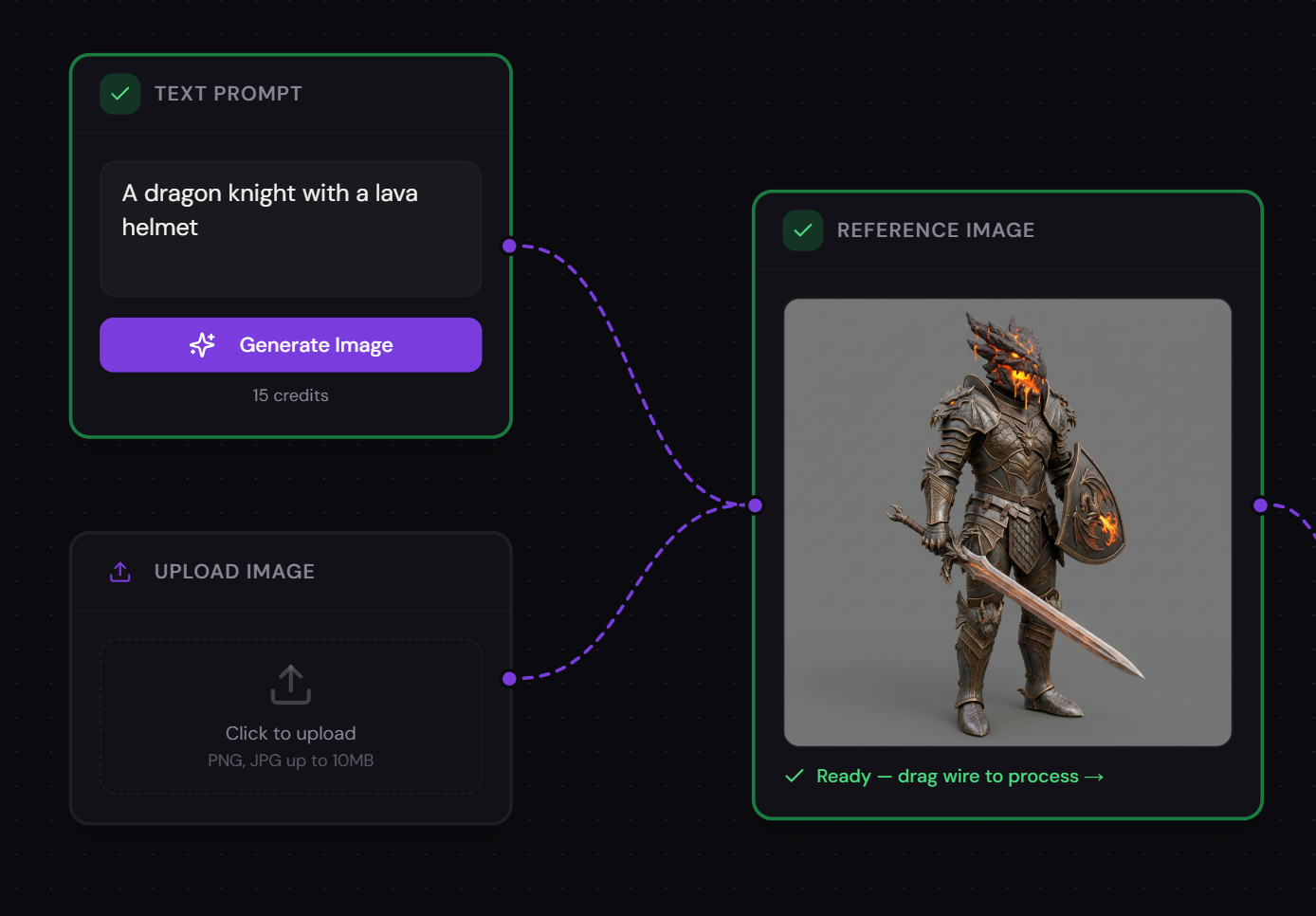
Describe what you want and Carve 3D generates reference images instantly using AI. Start your 3D creation pipeline from a simple text prompt — no drawing skills required.
Powered by state-of-the-art diffusion models, the text-to-image step lets you iterate quickly on concepts. Generate character designs, prop ideas, environment references, and more. Every generated image flows directly into the next step of your 3D pipeline.
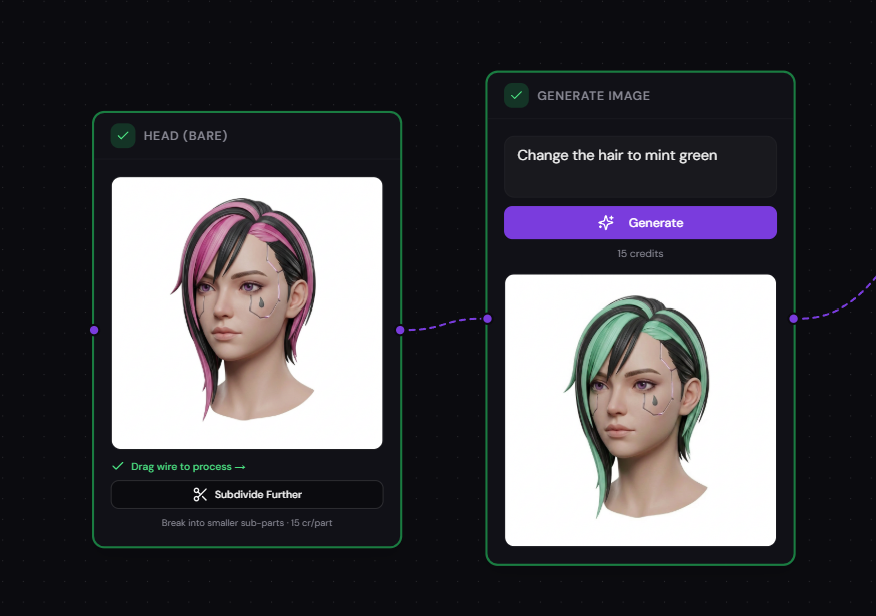
Image Variations
Generate creative variations of your reference images. Explore different angles, styles, and interpretations before committing to 3D generation.
Not happy with the first result? Carve 3D creates multiple variations so you can pick the perfect reference. Experiment with different art styles, color palettes, and compositions until you find exactly what you need.
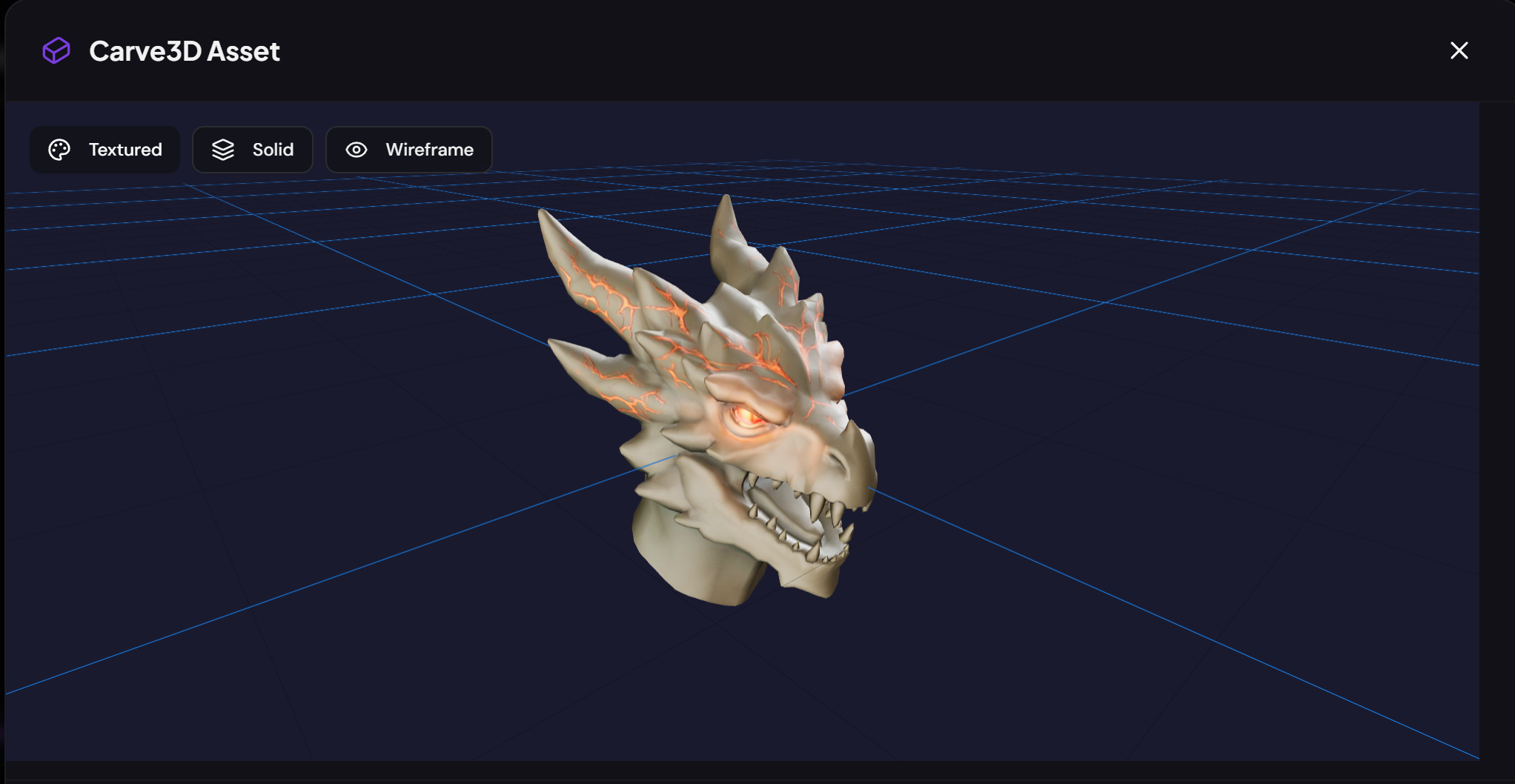
Image to 3D Mesh Conversion
Convert any single image into a full 3D model using industry-leading AI providers: Tripo, Hunyuan3D, or Meshy. Choose the engine that fits your project.
Upload a photo, a concept sketch, or use an AI-generated image — Carve 3D reconstructs a complete 3D mesh from a single view. Multiple provider options mean you can optimize for speed, quality, or specific geometry requirements. The generated mesh is immediately available for retopology, retexture, and export.
Multiview Synthesis
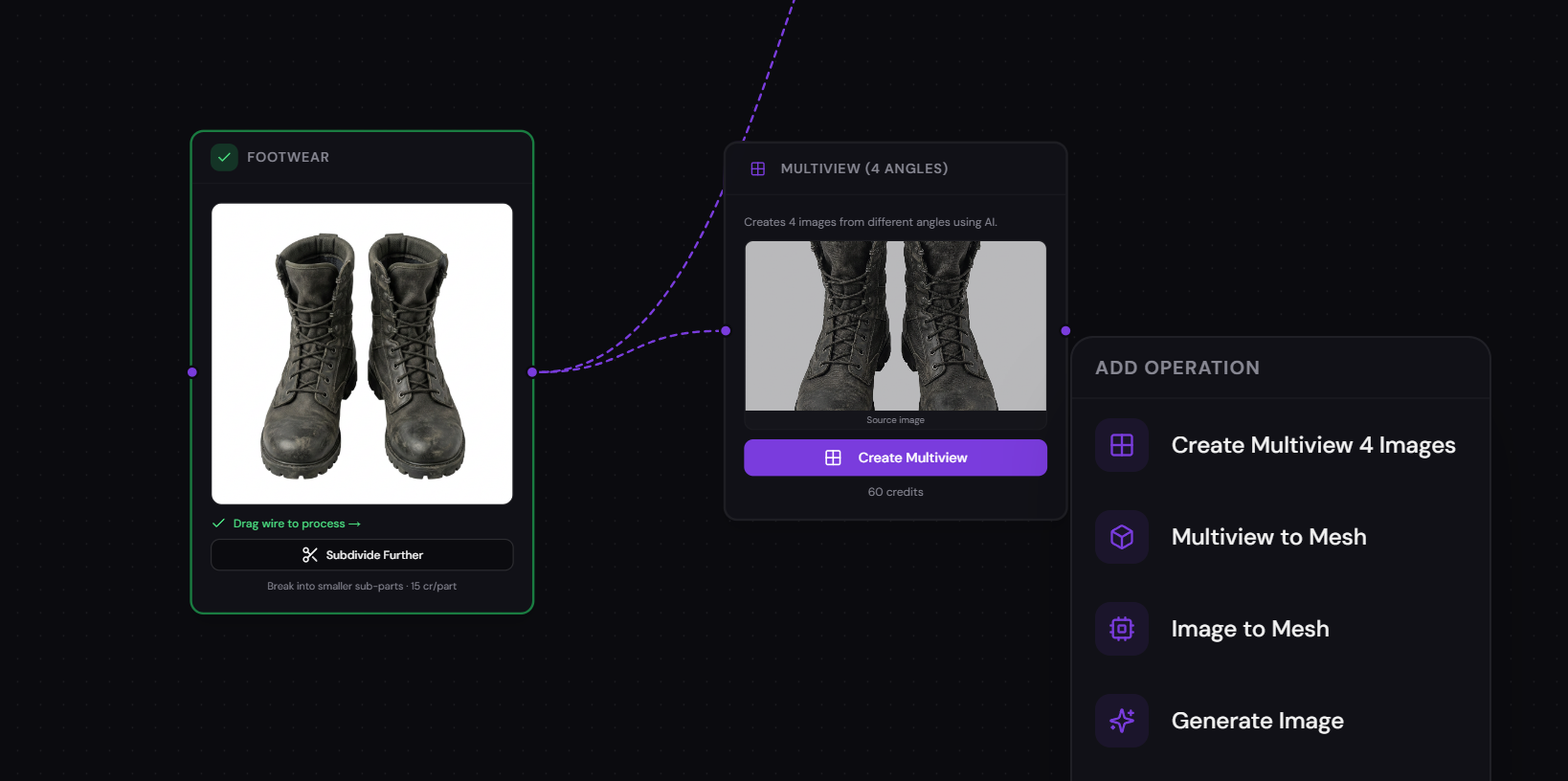
Generate consistent multi-angle views from a single reference image. Front, back, left, and right views are synthesized automatically for more accurate 3D reconstruction.
Single-image 3D generation can struggle with the back of objects. Multiview synthesis solves this by creating four consistent views that capture the full geometry. These views feed directly into multiview-to-3D for dramatically better mesh quality.
Multiview to 3D Mesh
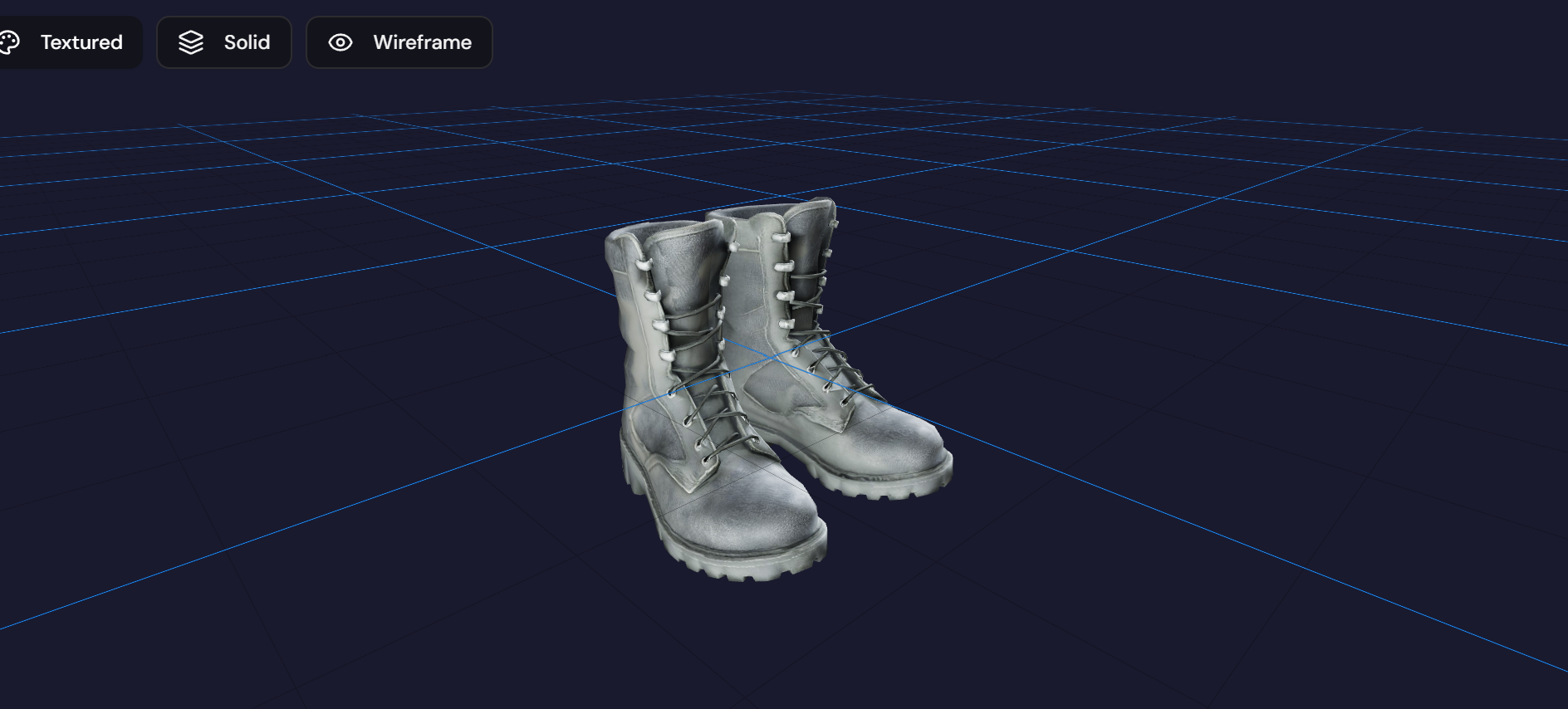
Combine four-angle multiview images into a single high-fidelity 3D mesh. Get cleaner geometry and more accurate proportions than single-image methods.
By feeding front, back, left, and right views into the reconstruction pipeline, Carve 3D produces meshes with better topology, fewer artifacts, and more faithful proportions. Ideal for characters, props, and anything where accuracy matters.
Divide in Parts
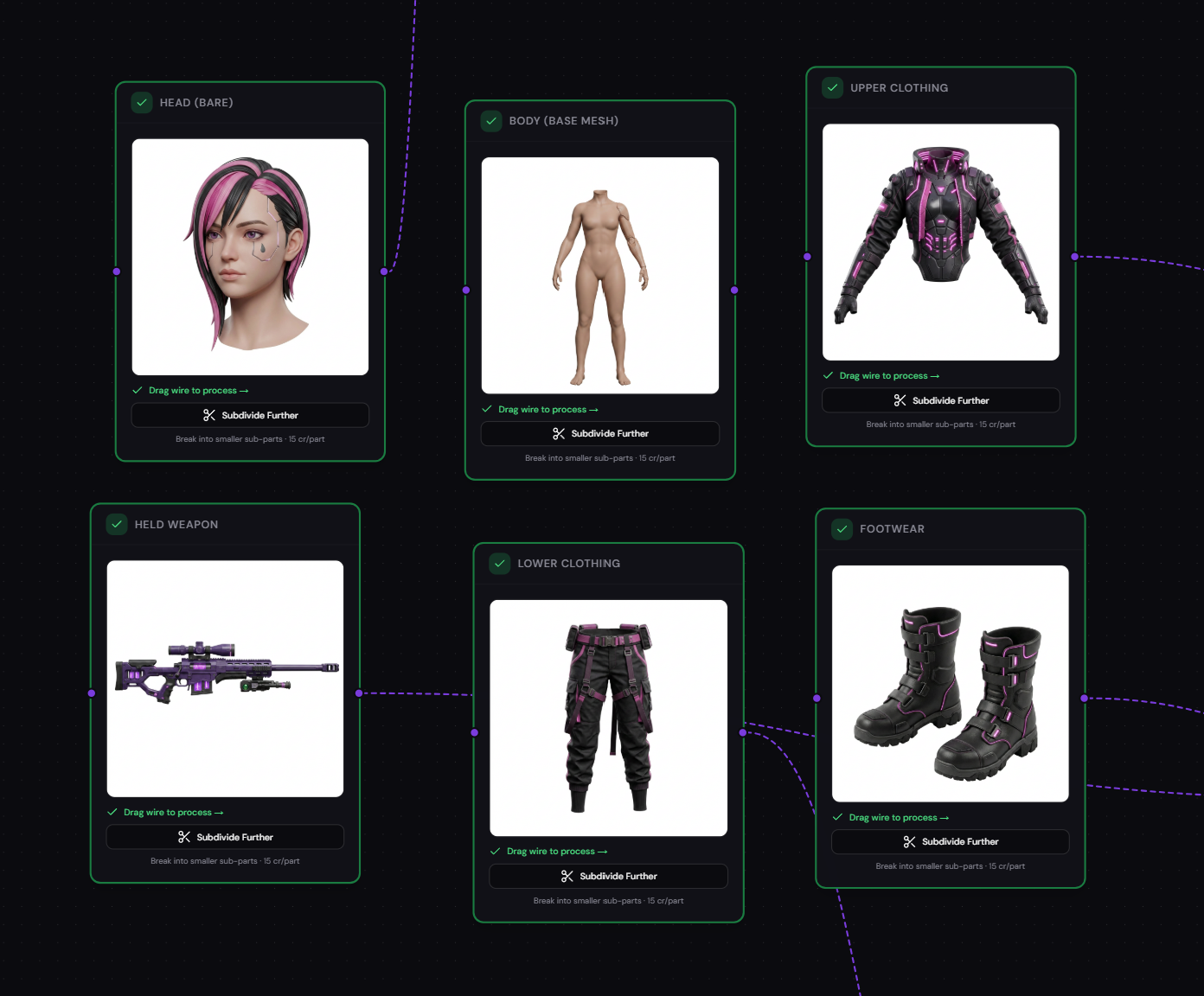
Automatically split a complex scene into individual parts. Each part becomes a separate 3D model, giving you modular control over your assets.
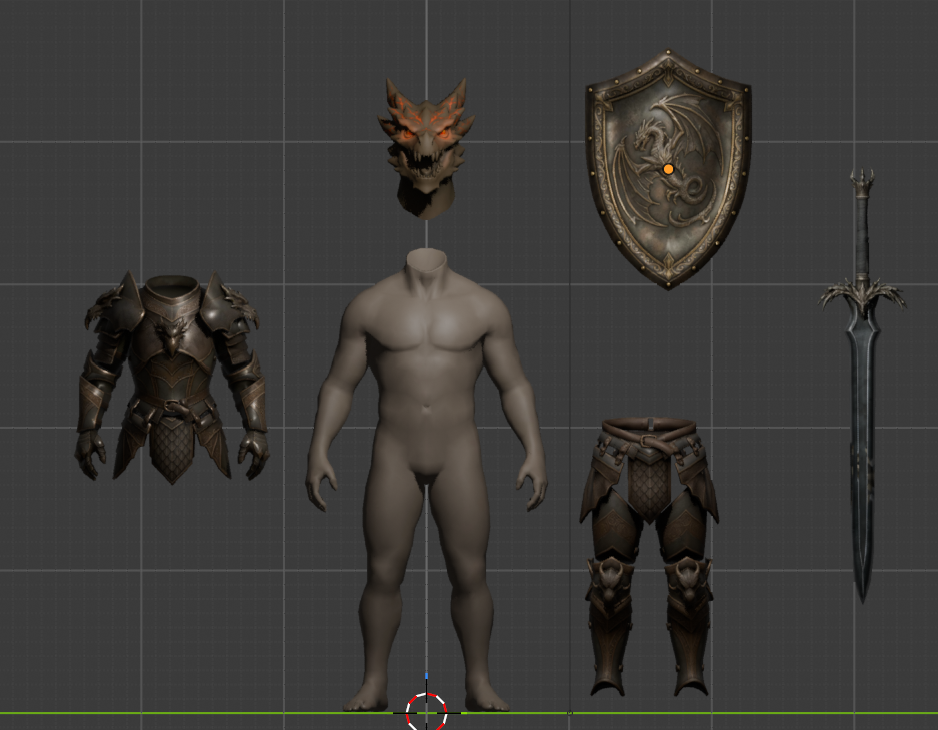
Carve 3D uses AI vision to detect body parts, accessories, weapons, armor, and more — over 200 recognizable labels. Each detected part is isolated and can be converted to 3D independently, enabling modular character assembly, swappable equipment systems, and clean asset libraries.
AI Retopology
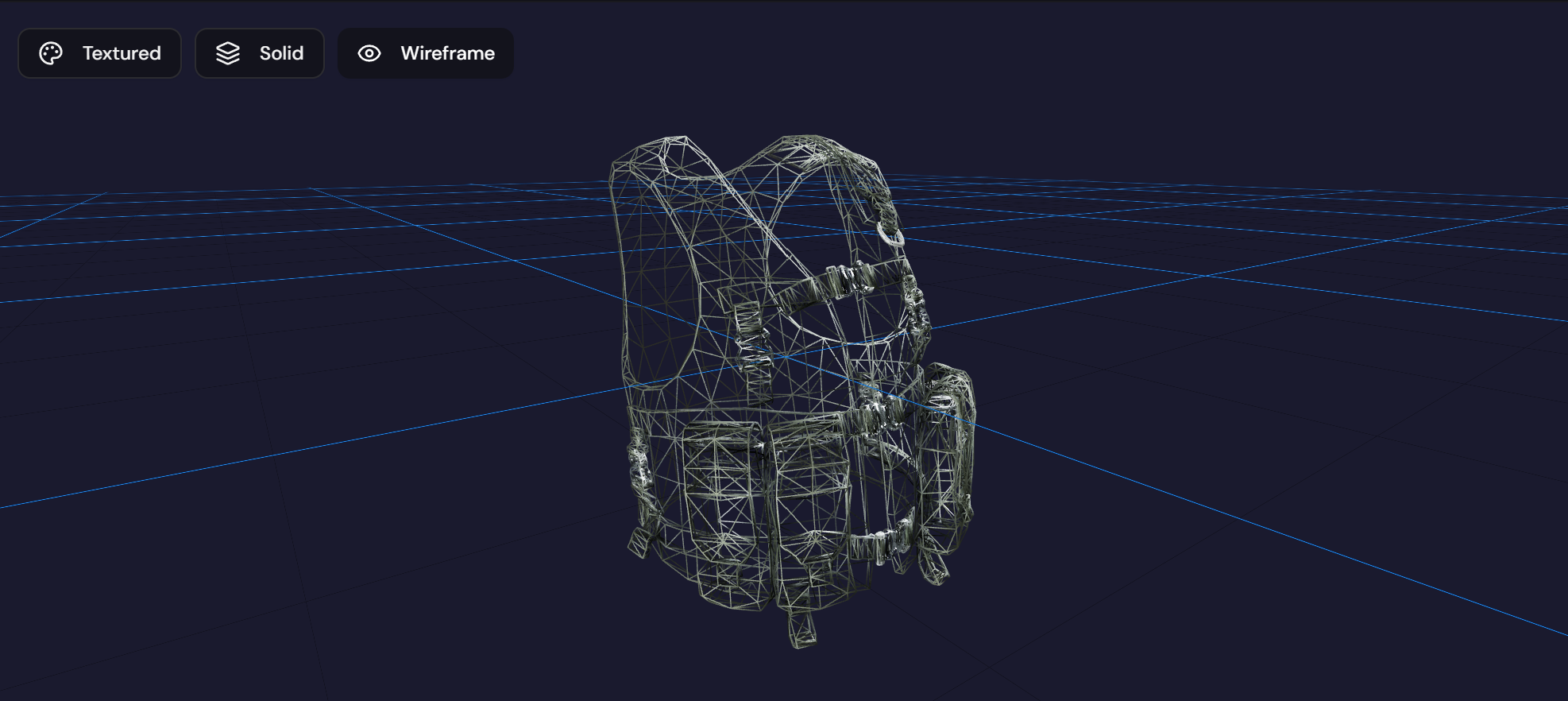
Optimize your mesh topology automatically. Get cleaner edge flow, better deformations, and game-engine-ready geometry without manual work.
AI-generated meshes often have messy topology. Carve 3D's retopology engine restructures the mesh for animation-ready edge loops, dramatically reduced polygon counts, and clean quad-dominant geometry. Essential for game development and real-time applications.
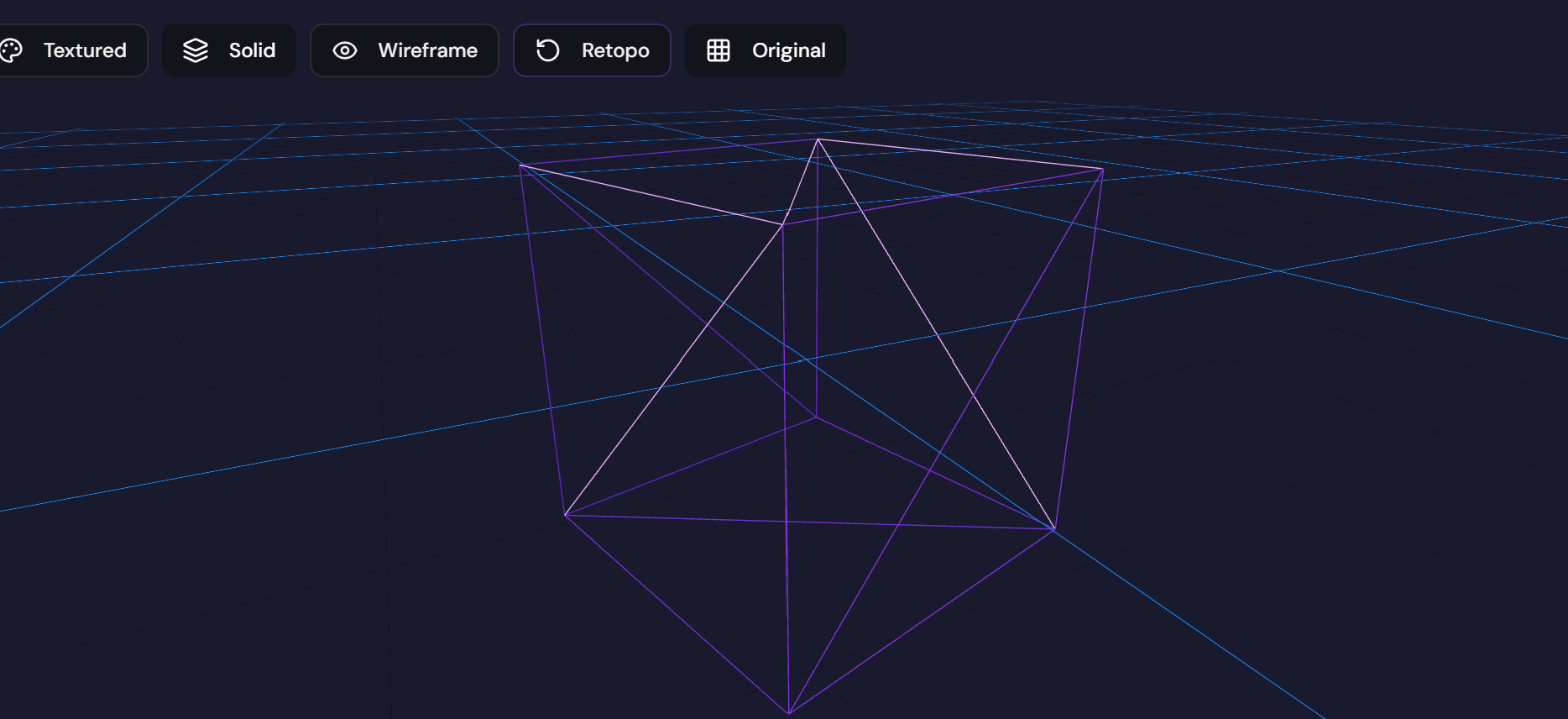
AI Remesh
Clean quad-based remeshing that preserves shape while optimizing mesh structure. Get uniform polygon distribution for better rendering and deformation.
Remeshing transforms irregular triangle soups into clean, evenly-distributed quad meshes. This improves subdivision surface behavior, sculpting workflows, and overall mesh quality. Particularly useful for meshes that need further manual editing in Blender or other DCC tools.
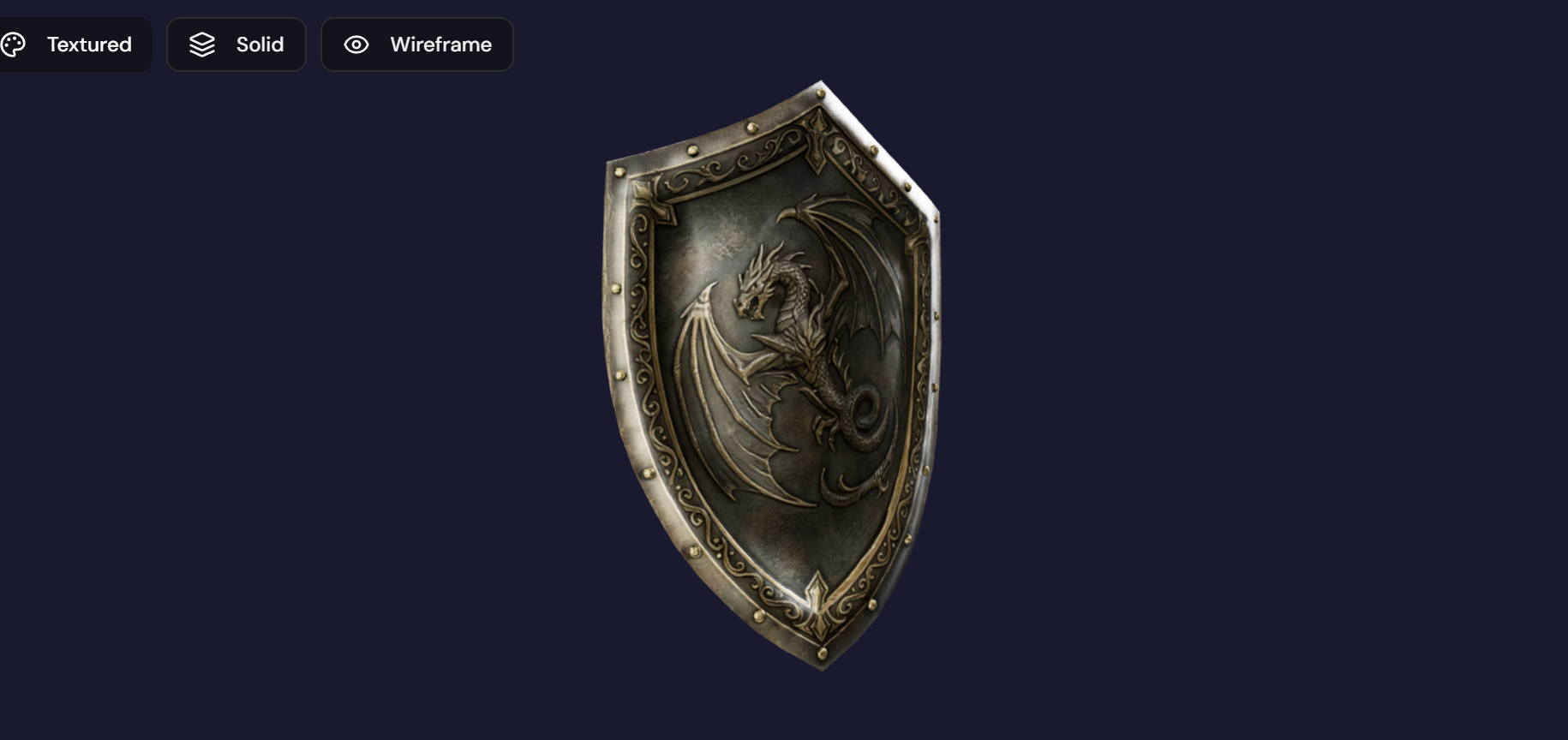
AI Retexture
Apply new textures and materials to your 3D models with AI-assisted texturing. Describe a style or material and watch your mesh transform.
Don't like the auto-generated texture? Retexture lets you describe what you want — "weathered stone", "sci-fi metal plating", "cartoon cel-shaded" — and Carve 3D applies a new texture that conforms to the mesh's UV mapping. Production-quality PBR materials in seconds.
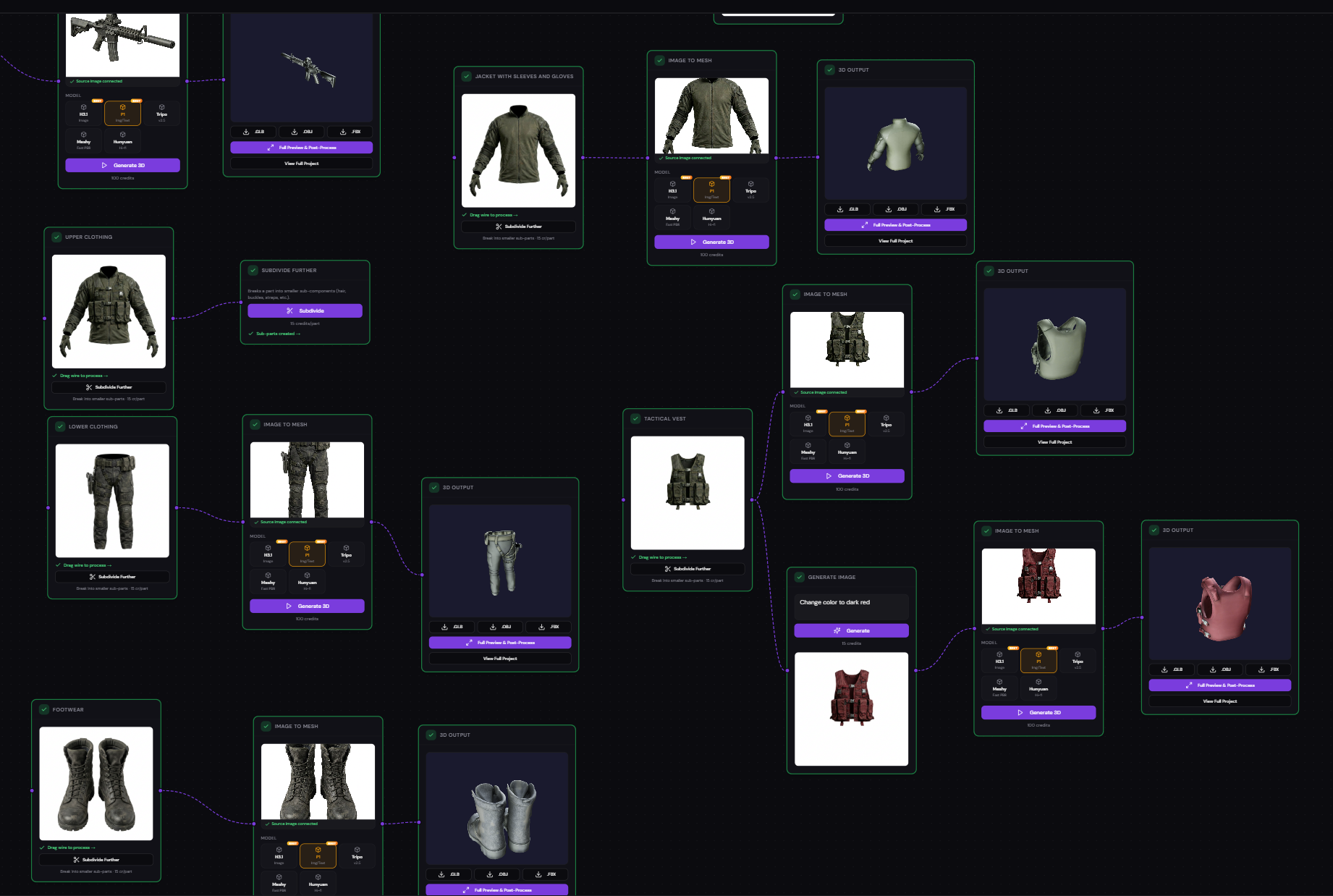
Visual Node Pipeline
Build your entire creation workflow with a drag-and-drop node editor. Connect generation steps together like building blocks — text to image to 3D to retopology, all in one canvas.
Carve 3D's node-based editor gives you full control over your pipeline. Create branching workflows, compare different providers side-by-side, and iterate non-destructively. Every step is visible, reusable, and adjustable. Think of it as a visual programming environment for 3D asset creation.
Multi-Format Export
Download your finished 3D models in GLB, OBJ, or FBX formats. Ready for Unity, Unreal Engine, Blender, Maya, 3ds Max, or any 3D tool in your pipeline.
Carve 3D exports to the three most widely supported 3D formats. GLB for web and real-time apps, OBJ for maximum compatibility, and FBX for game engines and professional DCC tools. No conversion tools needed — your assets are production-ready out of the box.
Ready to Create 3D Assets with AI?
Start with a free account. No credit card required — get 300 credits to explore every feature of Carve 3D.
Start Creating 3D