Everything You Can Do with Carve 3D
A complete AI toolkit for turning ideas into production-ready 3D assets — from first prompt to final export.
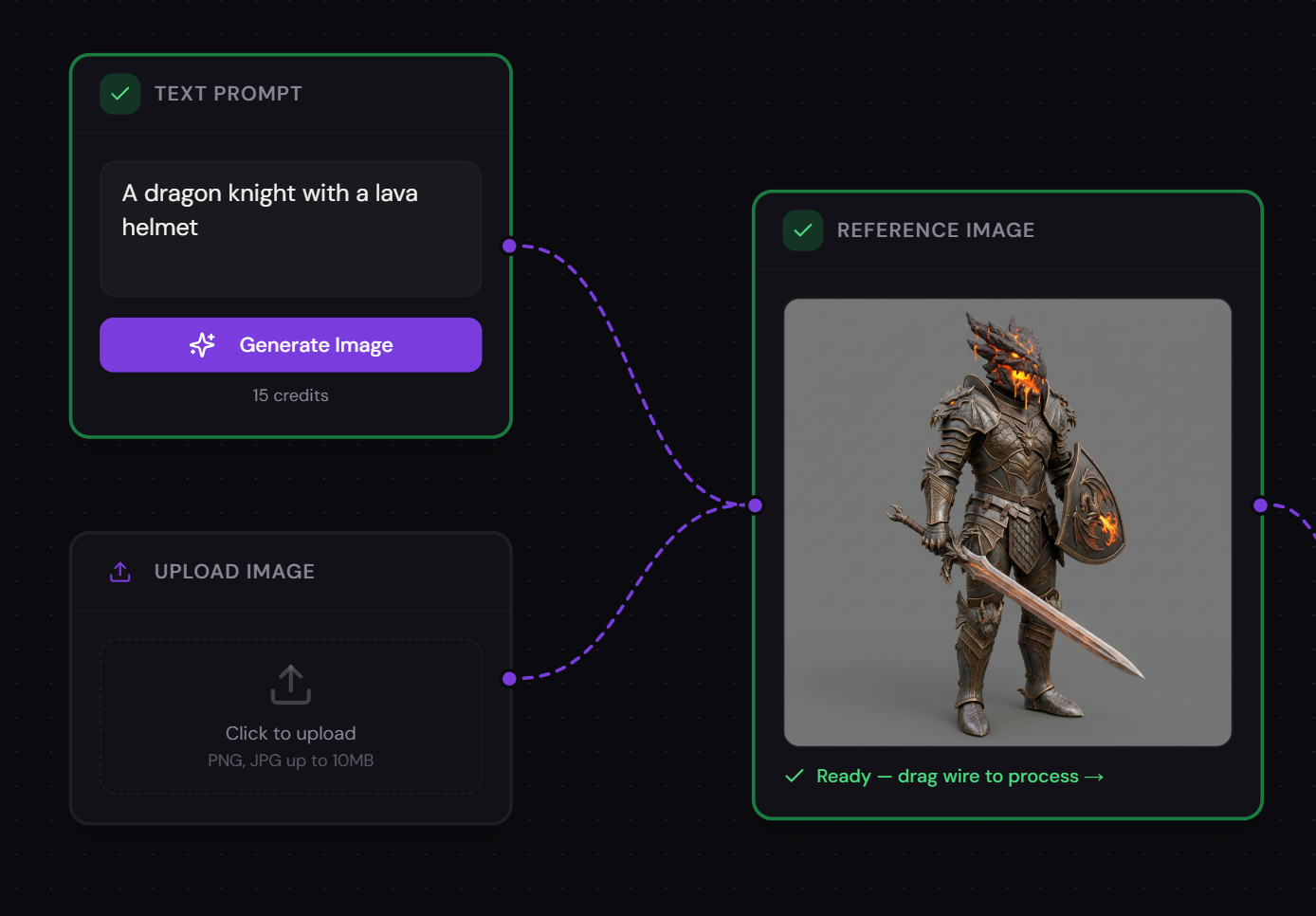
Text to Image
Describe what you want and generate reference images instantly using AI. Start from a text prompt or upload your own image.
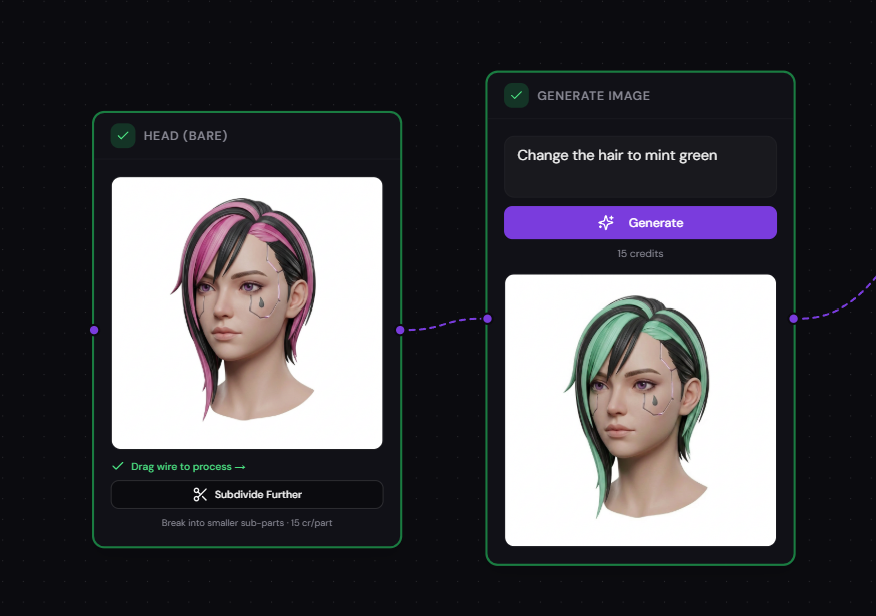
Image Variations
Generate creative variations of your reference images. Explore different angles and styles before committing to 3D.
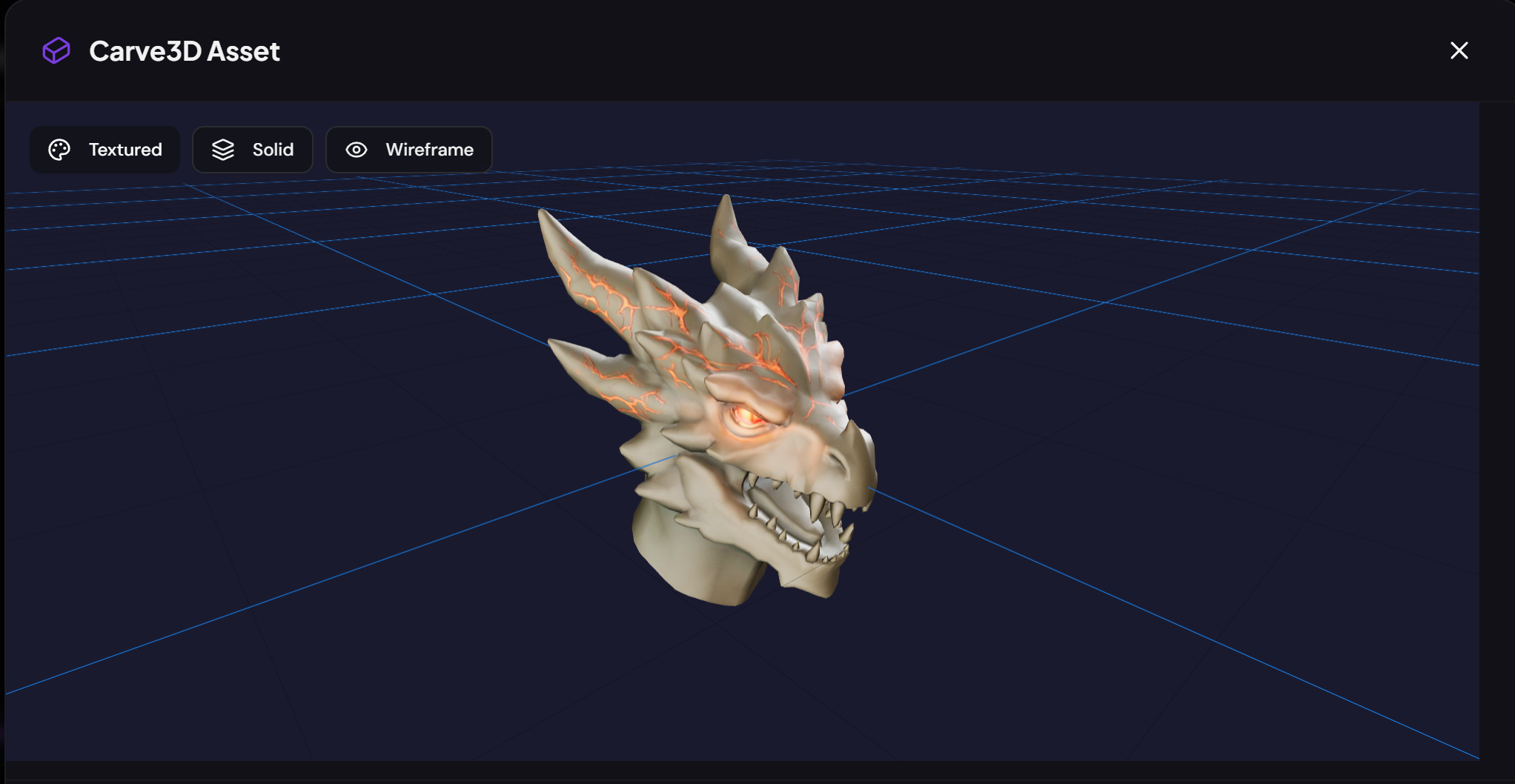
Image to 3D Mesh
Convert any single image into a full 3D model using Tripo, Hunyuan3D, or Meshy — choose the provider that fits your needs.
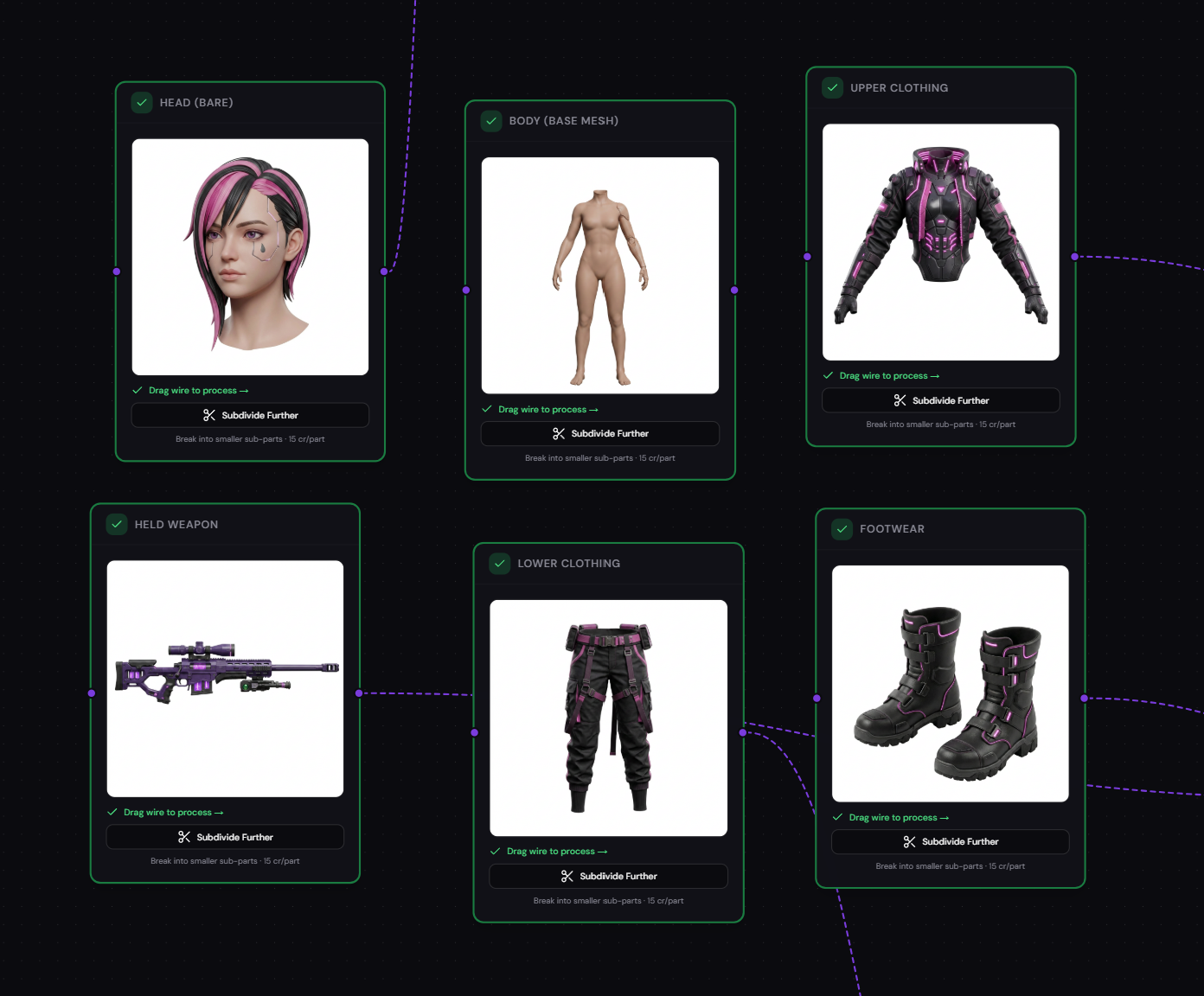
Divide in Parts
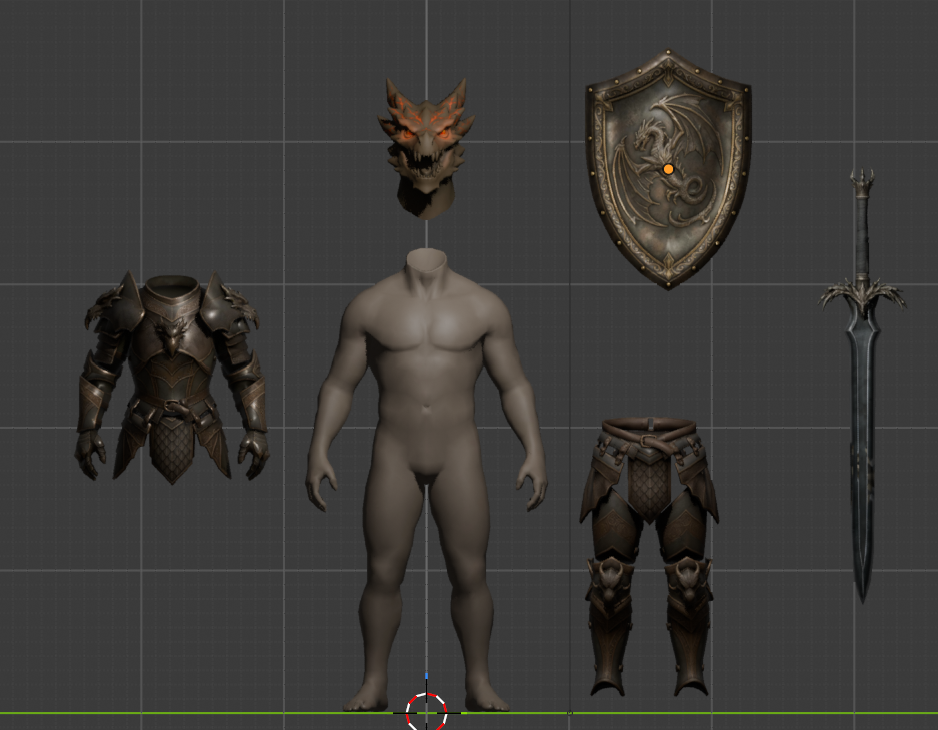
Split a complex scene into individual parts and generate separate 3D models for each, giving you modular control.
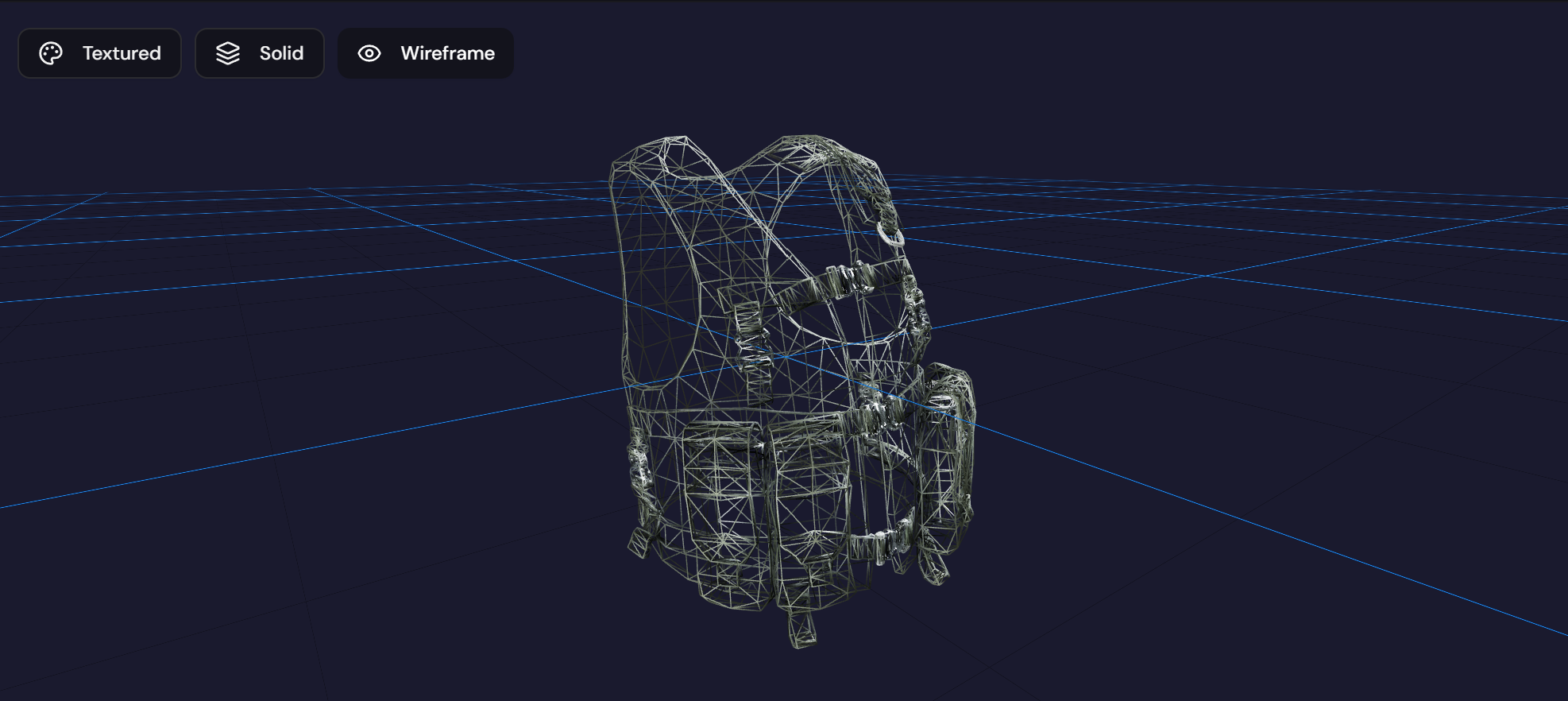
Retopology
Optimize your mesh topology for cleaner geometry, better deformations, and game-engine readiness.
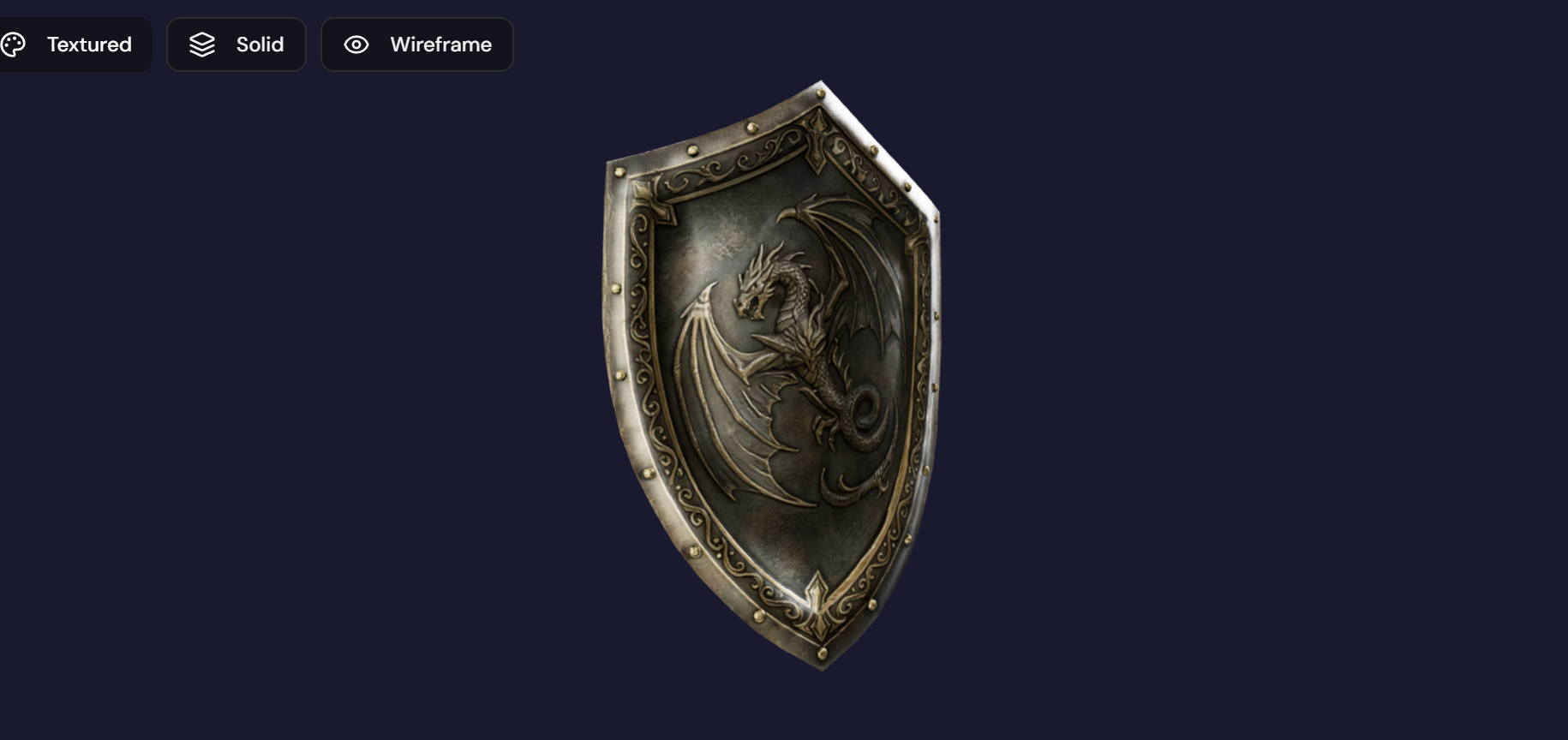
Retexture
Apply new textures and materials to your 3D models with AI-assisted texturing for production-quality results.
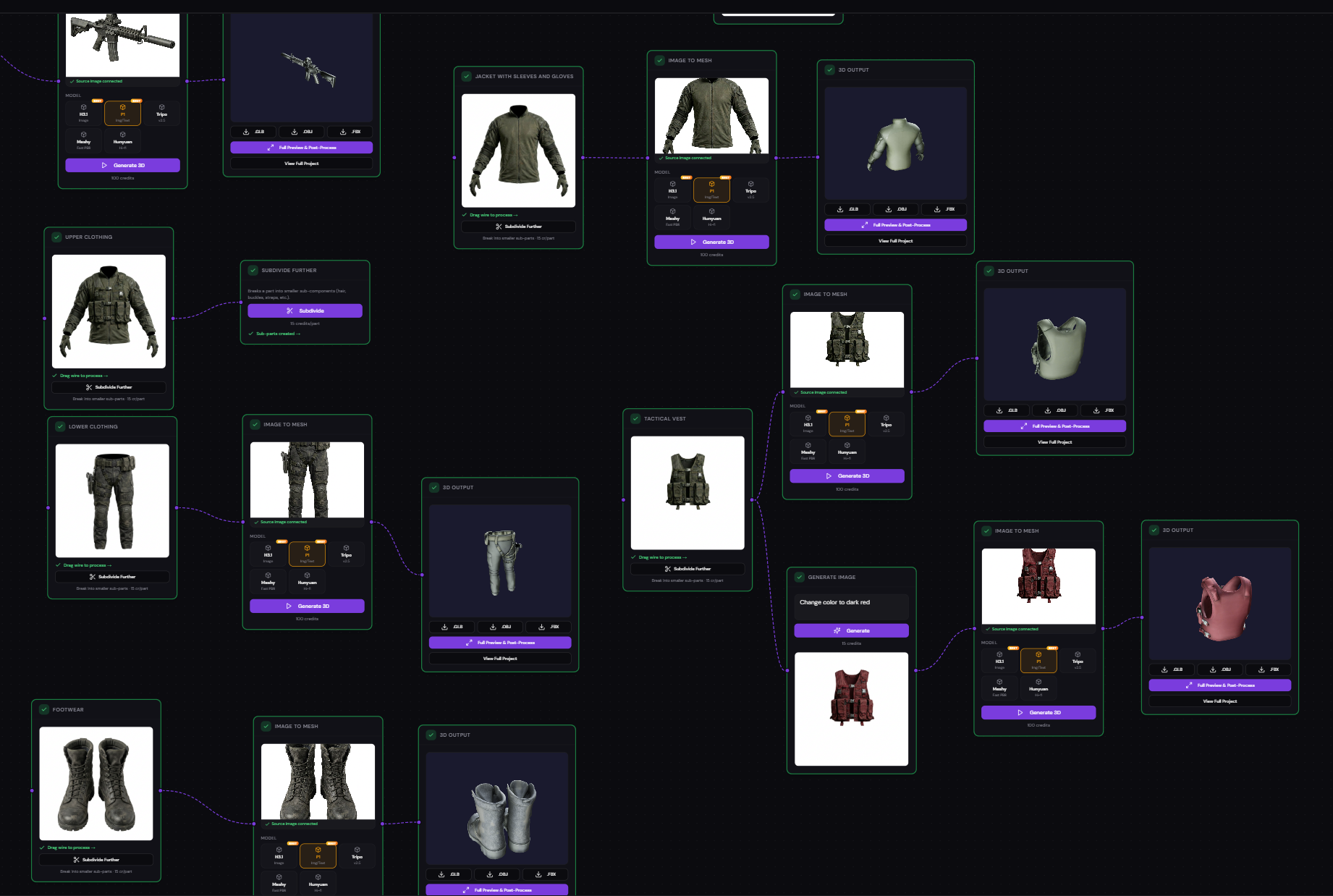
Visual Node Pipeline
Build your creation flow with a drag-and-drop node editor. Connect generation steps together like building blocks.
Multi-Format Export
Download your finished models in GLB, OBJ, or FBX formats — ready for Unity, Unreal, Blender, or any 3D tool.